Convert Pic to PDF Free
Drop your picture, press Convert, download a PDF. No upload to a server, no watermark, no account. The whole thing runs inside your browser — and takes about three seconds.
Convert a pic now →Quick answer: Go to jpgtopdfmobile.com, drop your pic into the upload box, pick a page size (A4 works for most things), and press Convert. Your PDF downloads in about three seconds. JPG and PNG both work. No sign-in required.
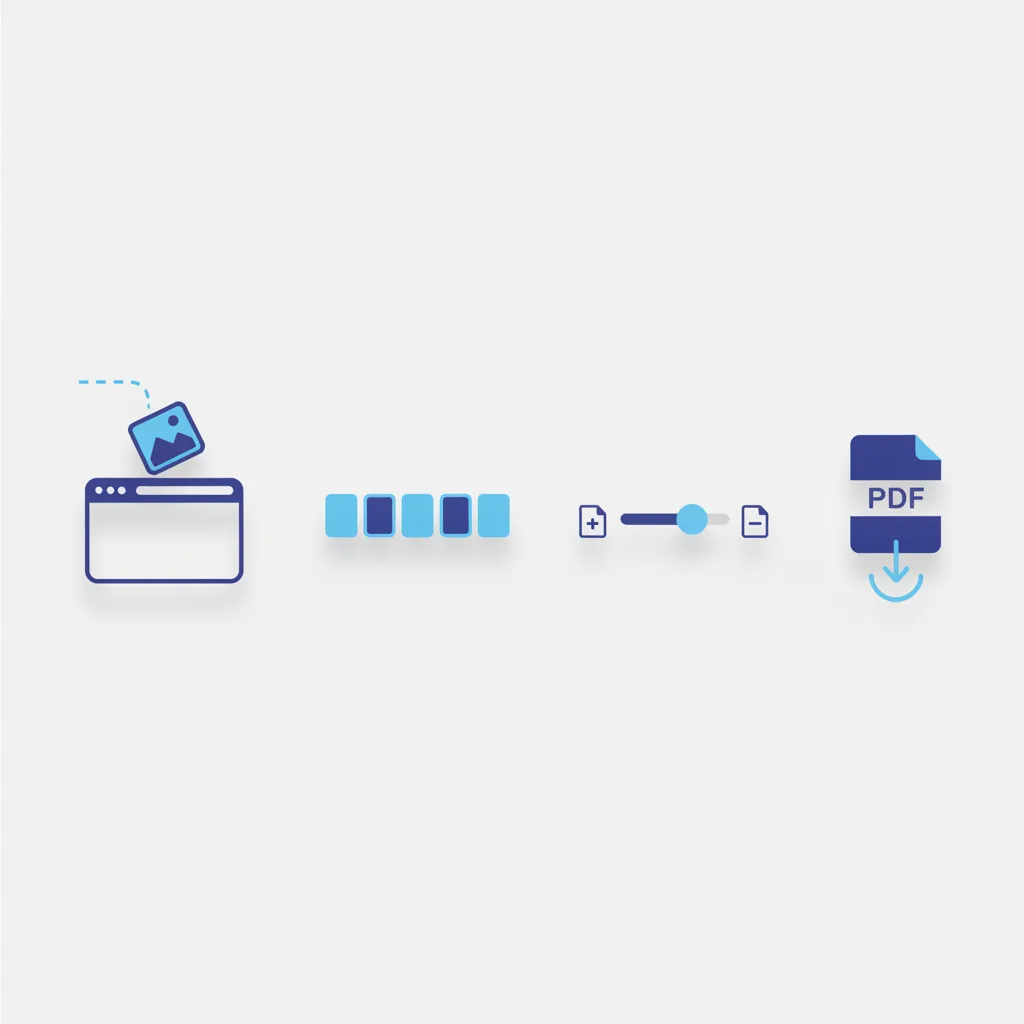
How to convert a pic to PDF — four steps
Someone is waiting on a WhatsApp message for a document. Your photo is sitting in the camera roll. Here is the shortest path between those two things.
Go to jpgtopdfmobile.com. No app, no account, no cookie notice to click through. Just the converter.
Drag your pic into the drop zone, tap "Open files" to pick from your gallery, or tap the camera button to photograph something on the spot. JPG and PNG both work. Add multiple pics to merge them into one PDF — they stack in the order you drop them.
A4 is the default. It works for bank forms, KYC submissions, college applications — basically everything. If the portal has a file size limit, choose High Compression. If it needs to be sharp enough to read small print, choose High Quality.
Press Convert. About three seconds later, the PDF is ready. Download it to your device or hit the WhatsApp button to send it straight to a chat. (That second option saves the "where did I save it" conversation with yourself.)
Ready? It really is just three seconds.
Free, private, no watermark. Your pic never leaves your device.
Convert pic to PDF now
Why convert a pic to PDF at all?
A JPG looks different on every device. It stretches on one screen, shrinks on another, and prints at the wrong size nine times out of ten. A PDF locks the layout. Same dimensions, same orientation, same resolution — on an iPhone, an Android, a Windows laptop, or a printer in a government office.
That is the actual reason portals and HR departments ask for PDFs. Not because they have anything against JPGs personally. They just do not want to receive a photo that renders as a 40-pixel thumbnail on their screen.
PDF is an open ISO standard (ISO 32000-2) — which means any device, OS, or printer can render it the same way. That is the whole point. Converting a pic to PDF does not touch the image itself. It wraps your photo inside a page — like putting a picture in a frame — and nothing else changes.
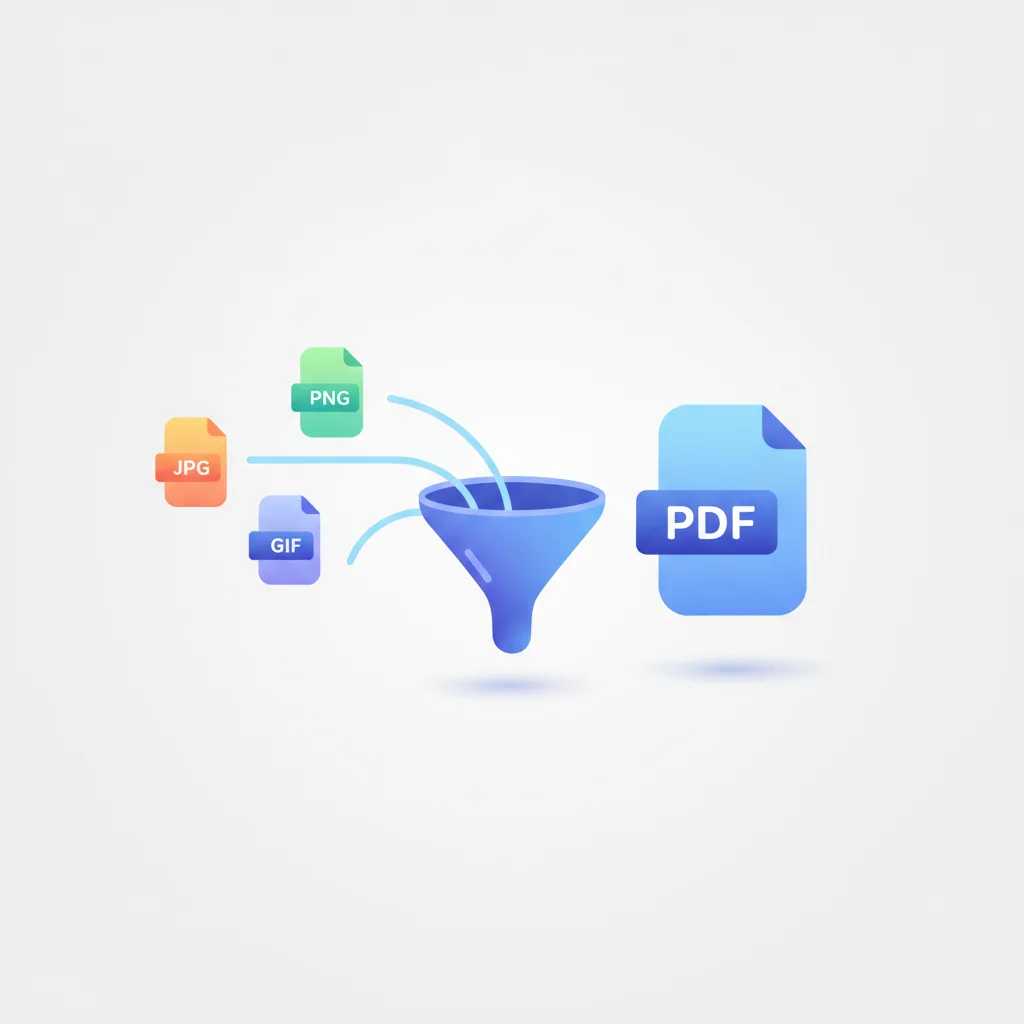
Pic, picture, photo, image — same thing. What formats are supported?
All of these words mean the same file. The converter handles both formats phone cameras produce:
- JPG / JPEG — the default from almost every camera, including older Androids and point-and-shoots
- PNG — screenshots, scanned documents, and anything exported from an app
You can mix both in a single batch. One JPG and two PNGs will all land in the same PDF, one image per page, in the order you added them.
A note on EXIF data and location
This is something the top converters do not bother telling you. When you photograph a document with your phone, the JPG file contains EXIF metadata — your GPS location, the phone model, the exact time the photo was taken. None of that transfers to the PDF. Only the image pixels are read. Your location and device information stay in the original file, not in the document you send to the bank.
Page size, quality, and compression — what to actually pick
Most people click through these without reading them. That is fine for a receipt. For an Aadhaar card going to a KYC portal, it is worth knowing what each one does.
Page size
- A4 — 210 × 297 mm. Standard in India, Europe, and most of Asia. Use this unless told otherwise.
- Letter — 8.5 × 11 inches. US standard. Only relevant if the form explicitly asks for it.
- Auto — creates a page sized to match the image's own aspect ratio. Good for photos you want to print at their natural proportions.
Quality and compression
- High Quality — full sharpness. Use this for ID documents, certificates, and anything with text that needs to be readable.
- Medium Compression — small quality loss, noticeably smaller file. Works for most everyday documents.
- High Compression — significantly smaller file, visible reduction in sharpness at zoom. Use when a portal hard-rejects files over 1 MB or 2 MB.
Rule of thumb: start with High Quality. If the portal bounces it back for being too large, convert again on High Compression. Takes about five seconds to retry — not worth agonising over the first time.
When people actually need to convert a pic to PDF
The request always comes from somewhere specific. A portal, a WhatsApp message, an HR email with "please submit as PDF" in the subject line. Here are the six situations it comes up most.
KYC and ID documents
Banks, SIM providers, and government portals ask for Aadhaar, PAN, or passport as a PDF. Converting the pic is the entire job.
Job and college applications
Portals accept only PDF. Certificates and marksheets photographed on a phone need converting before they can be submitted.
Expense claims
Finance teams want receipts as PDFs. Photograph the receipt, convert, attach. Done before the auto-rickshaw reaches the office.
Rental and legal documents
Lease agreements and utility bills photographed on a phone need converting before a landlord or lawyer will accept them.
Medical and insurance
Prescriptions and test reports shared by hospitals as images need to go into insurance portals as PDF.
Assignments and notes
Students photograph handwritten work and convert to PDF to submit via email or an LMS. Works fine for multiple pages.
Where does your picture actually go?
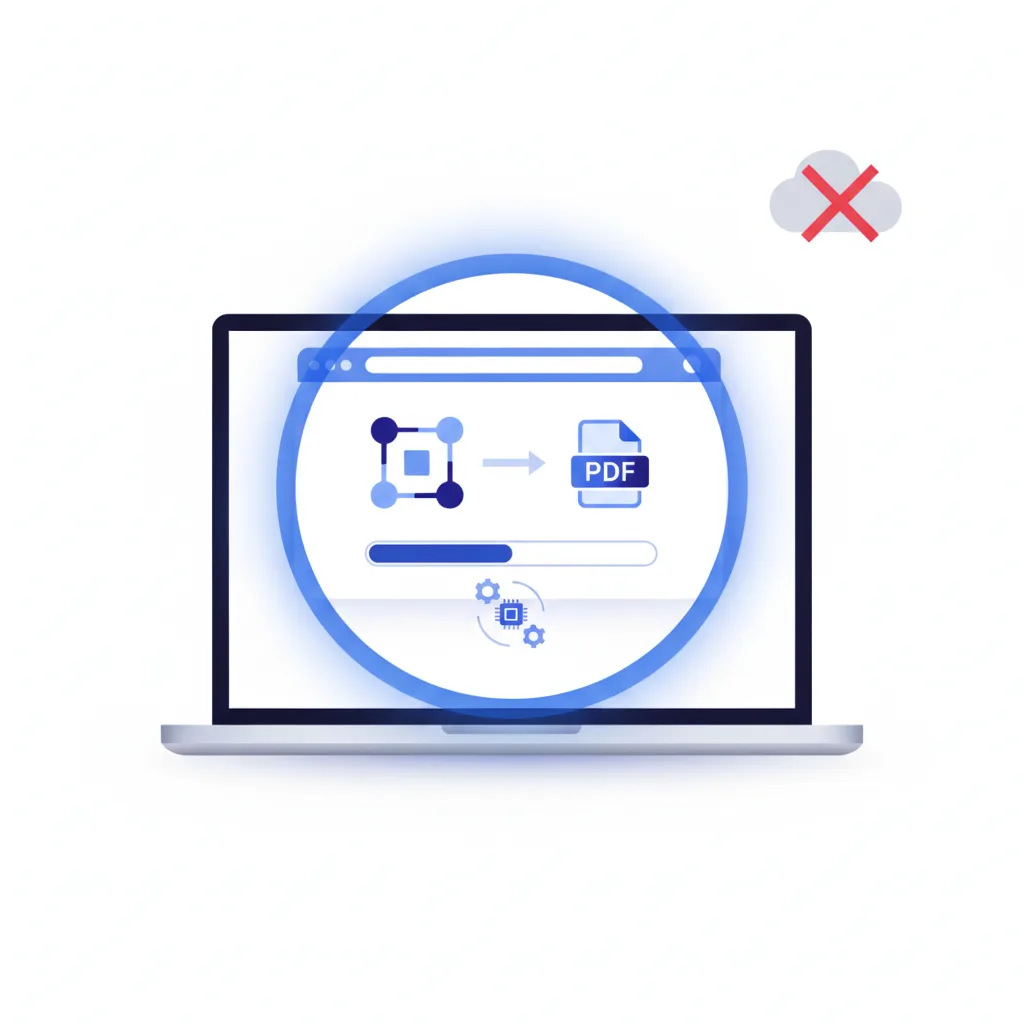
Most online converters upload your file to a server, convert it there, and send you back the result. Your Aadhaar card, PAN card, or bank statement passes through infrastructure you have no visibility into.
This converter does not do that. The conversion runs entirely inside your browser, using the same JavaScript engine that powers the rest of the web page. Your picture never transits the network. No thumbnail, no preview, no metadata ever reaches a backend server.
That matters for ID documents. It matters less for a photo of a whiteboard. But the default is private either way — there is no option to upload because there is no server to upload to.

Converting a pic to PDF on your phone
Most people doing this are on a phone. The form deadline is today, the photo is in the camera roll, and they are standing in a queue. The converter is built for that.
- Camera button — photograph a document on the spot and convert without saving to the gallery first. One less step.
- WhatsApp share — when the PDF is ready, tap Share and it goes directly to a chat. No downloading, no hunting through Files, no "I sent it... wait, which folder?"
- Install as an app — tap "Add to home screen" once. After that it opens like a native app and works completely offline. This is a Progressive Web App (PWA), meaning the conversion itself runs offline — not just a cached loading screen.
For a version with larger buttons and a layout built specifically for one-handed phone use, try the mobile converter.
jpgtopdf vs other ways to convert a pic to PDF
There are plenty of converters. Here is the honest version of how they compare on the things that actually matter.
| Method | File uploaded to a server? | Free, no watermark? | Works offline? | Works on mobile? |
|---|---|---|---|---|
| jpgtopdf | Never | Yes | Yes (install once) | Yes |
| Typical online converter | Yes | Often watermarked | No | Varies |
| Adobe Acrobat online | Yes | Free tier is limited | No | Requires account |
| Google Drive / Docs | Yes (to Google) | Free | No | Requires account |
| iPhone Files app | No upload | Free | Yes | iOS only |
If you do not care about privacy and just need a one-off conversion, most of the above work. If you are sending an Aadhaar card anywhere, "never uploaded" is the only answer worth choosing.
Straight answers — questions people actually search
How do I convert a pic to PDF for free?
Open jpgtopdfmobile.com, drop your pic into the upload area, choose A4, press Convert. Three seconds. No account, no watermark, no upload. Everything runs in your browser.
Can I convert multiple pictures into one PDF?
Yes. Add all the pics you need, drag them into the order you want, and press Convert. Every image becomes one page, in sequence. That is how you turn a document photographed page by page into a single coherent PDF.
Does converting a pic to PDF reduce the quality?
Only if you tell it to. Choose High Quality and the image goes in exactly as it came out of your camera. Choose High Compression and the file gets smaller but noticeably softer. Start with High Quality — if the portal rejects the file for being too large, compress and retry. Takes five seconds.
Is it safe to convert an Aadhaar card or PAN card pic to PDF online?
With this tool, yes — because nothing goes online. The conversion happens inside your browser. Your ID document never touches a server. That is the single most important thing to check before converting any sensitive document.
Can I convert a photo to PDF on my phone without an app?
Yes. Open the site in any mobile browser — Chrome, Safari, Firefox, Edge. No download required. If you want it to feel like an app, tap "Add to home screen" once and it installs itself. After that it also works offline.
What is the difference between pic to PDF, photo to PDF, and image to PDF?
Nothing. All three describe the same operation — wrapping a JPG or PNG inside a PDF page. The word you use in the search bar does not change what you get.
Will my location data appear in the PDF?
No. When your phone photographs a document, the JPG stores your GPS coordinates in its EXIF data. Only the image pixels are read during conversion — your location, device model, and timestamp are not embedded in the PDF output.
Can I convert a pic to PDF without internet?
Yes, after the first visit. Tap "Add to home screen" to install it as a PWA. After that, the converter runs completely offline — the conversion itself, not just a cached loading screen.
What page size should I use?
A4 for India, Europe, and most government portals. Letter if the form explicitly asks for US Letter. Auto if you want a page sized to match the image's own proportions — useful for photos you intend to print.