Compress JPG to PDF
The portal wants 2 MB. Your PDF is 14 MB. The deadline was fifteen minutes ago. Three settings in the converter will fix this — none of them require a second tool, a subscription, or a prayer.
Compress and convert →Quick answer: Open the converter, set quality to Compressed, add your photos, and convert. For most phone-camera photos this brings a 10–15 MB PDF down to 200–500 KB. If you need to go lower, resize the source JPG to 1200px wide before uploading — that plus Compressed mode clears almost every portal limit.
Why PDFs get large when you convert from JPG
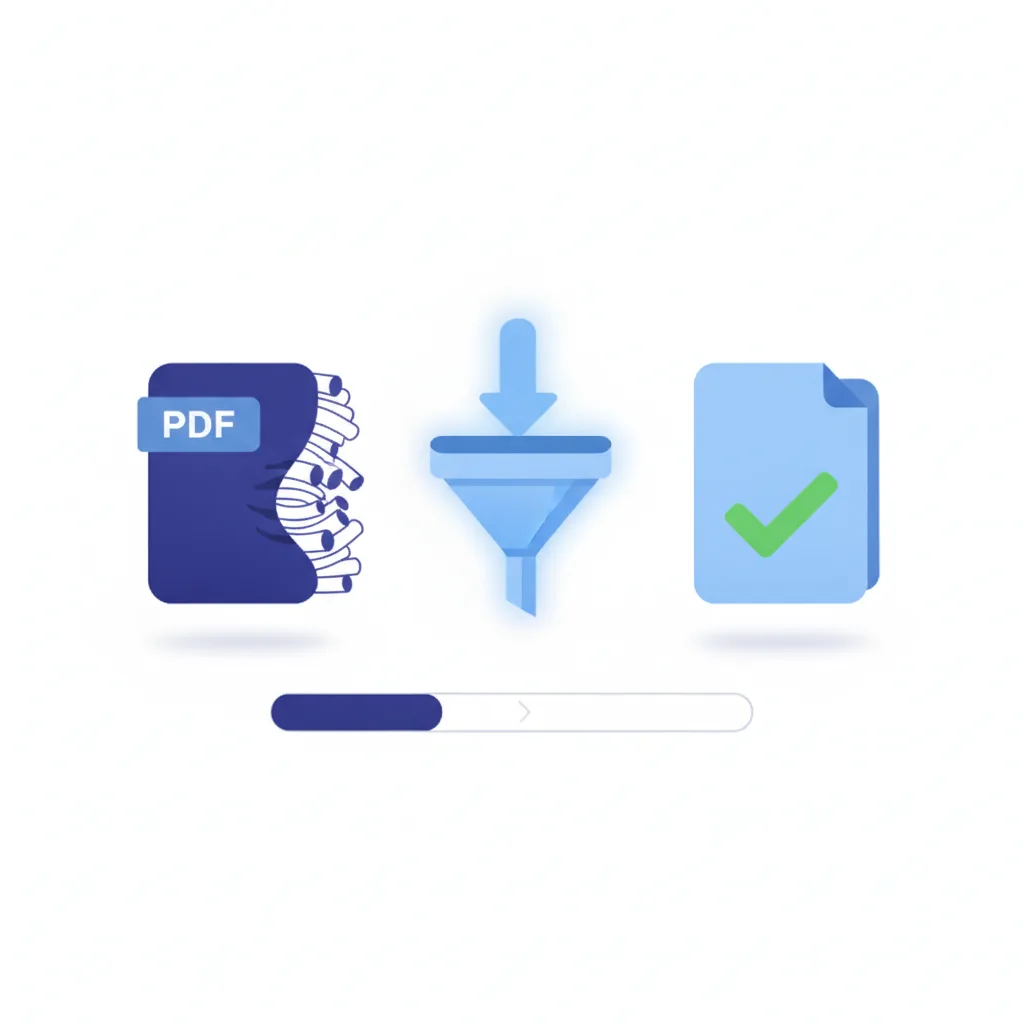
A phone camera photo is typically 10–20 MB as a raw JPG. When you convert it to PDF at High quality, that data is embedded in the PDF essentially unchanged. One photo, 3–5 MB PDF. Ten photos, 30–50 MB PDF. The maths is straightforward and the result is a file that no portal on earth will accept.
Three things make a JPG-to-PDF file large:
- High image resolution. Phone cameras shoot at 12–50 megapixels. Most portals display at the equivalent of 1–2 megapixels.
- High source quality. A well-exposed, uncompressed JPG has a lot of data to store. More data, more file size.
- Multiple pages. Each photo adds its own weight. Ten photos at 2 MB each is a 20 MB PDF before you've done anything.
The good news is that all three are addressable without any visible quality loss at screen viewing size.
Compression settings in the converter
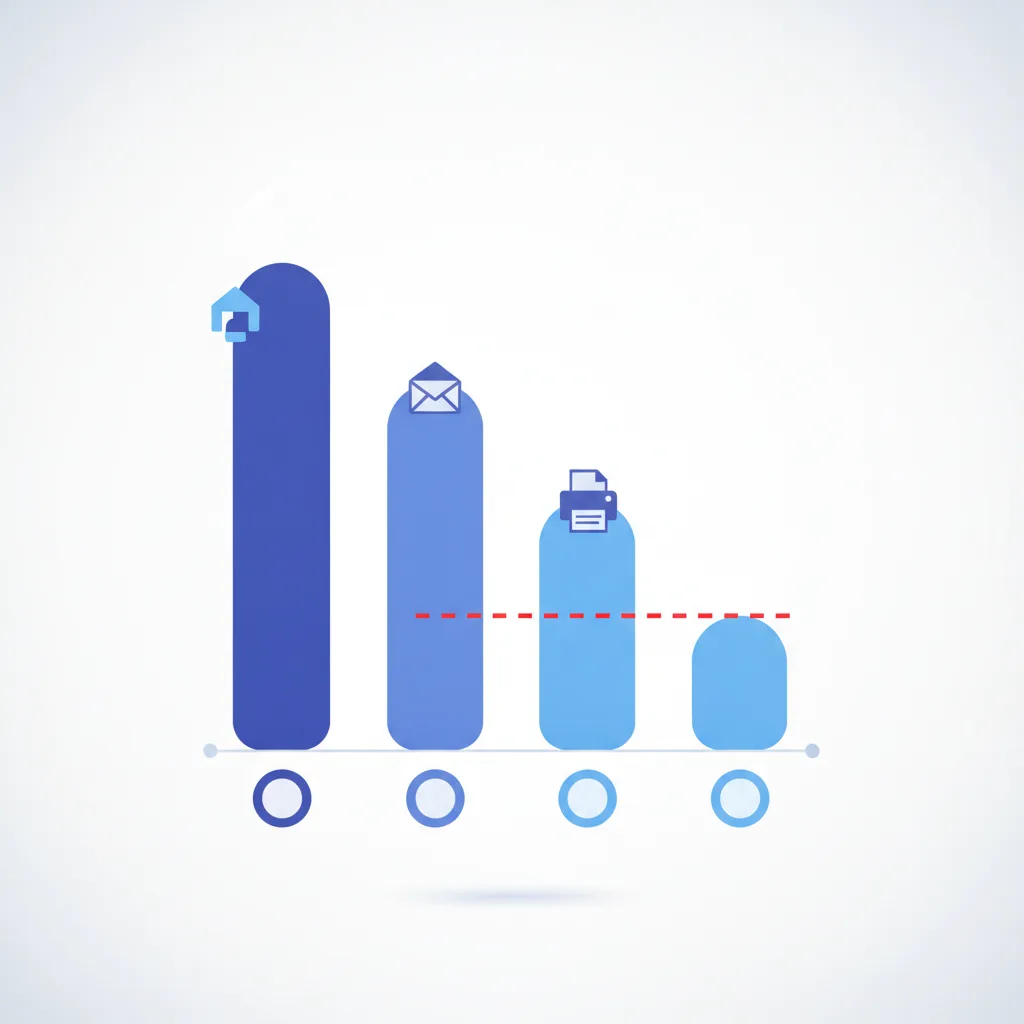
The converter has three quality levels. Here is what they do to file size and what they cost in quality:
| Setting | Typical output (per page) | Quality impact |
|---|---|---|
| High (HD) | 2–5 MB | None — original data embedded unchanged |
| Medium | 0.5–1.5 MB | Slight softening, invisible at normal viewing size |
| Compressed | 100–500 KB | Visible on fine text at 200%+ zoom |
Start with Medium. For most use cases — bank statements, receipts, informal submissions — the output is indistinguishable from HD on any screen. Only drop to Compressed if Medium still exceeds the portal limit.
Rule of thumb: A single phone photo at Medium quality lands around 800 KB. Ten photos in one PDF at Medium = roughly 8 MB. If the portal limit is 5 MB, switch to Compressed or split across two uploads.
Convert and compress in one step
Pick Compressed quality, add your photos, download. No second tool needed.
Compress JPG to PDF →Common portal file size limits
Portals rarely explain their limits clearly. They just reject the file. Here are typical limits by category — these are the ones that come up most often:
| Portal type | Typical limit | Recommended setting |
|---|---|---|
| Bank / KYC portals | 2–5 MB | Medium or Compressed |
| Government / visa portals | 1–5 MB per document | Compressed + resize source |
| University submission portals | 10–25 MB | Medium |
| Insurance claim portals | 2–10 MB | Medium |
| HR / payroll systems | 2–5 MB | Medium |
| Email attachments | 10–25 MB (varies by provider) | High or Medium |
When in doubt, aim for under 2 MB. It clears almost everything. For government ID and visa documents, aim for under 1 MB — many immigration portals have undocumented limits that are stricter than they advertise.
Resize the source JPG first — the most reliable fix
Compression inside the PDF has limits. Below a certain quality threshold, text becomes unreadable and faces become impressionist art. (Not the good kind.)
Resizing the source image before converting gives you much better results at small file sizes. A 12-megapixel photo resized to 1500×1125 pixels contains all the detail you need for any screen display. The PDF output at that resolution and Compressed quality typically lands around 150–350 KB.
On iPhone: use the Files app or a free resize app. On Android: Gallery apps include a resize option. Aim for 1500px on the longest side. This preserves every detail visible on any monitor or tablet screen.
Open jpgtopdfmobile.com. Add the resized JPG. Select Compressed quality. The combination of lower resolution and higher compression reduces file size far more than either method alone.
Download the PDF, long-press the file, and check its size. If it's still over the portal limit, try a 1200px resize and convert again. Most portal-rejected PDFs clear after this second pass.
Compressing a multi-page PDF from multiple JPGs
Each page in the PDF carries the weight of its source image. Ten photos at Compressed quality still produce a larger file than one photo at High quality. If the total is still over the limit after compression, there are two ways forward:
- Split the submission. If the portal allows multiple uploads per application, submit 3–4 page PDFs instead of one large one. Fewer pages per file, smaller file, same content.
- Resize all source images before converting. Drop every source photo to 1200–1500px wide before converting. This typically reduces a 10-page PDF from 20 MB to under 3 MB at Medium quality.
The quality floor — when compression hurts
There is a point below which compression stops saving you file size and starts costing you the submission itself. Documents with fine printed text, stamps, signatures, or QR codes have a quality floor. Cross it and the document is unreadable — or unverifiable, which is worse.
Always preview before submitting: Zoom into the smallest text in the converted PDF. If you can still read a 10-point font clearly, the quality is acceptable. If it's soft or blocky, use Medium quality with a resized source rather than Compressed mode alone. An illegible PDF wastes your application.
For ID documents — Aadhaar, PAN, passport, driving licence — the quality floor is higher than for receipts or general correspondence. Use Medium quality minimum for any document where the text content needs to be verified by a human or a machine.
Straight answers
How do I compress JPG to PDF under 2 MB?
Select Compressed quality. For a single phone-camera photo, Compressed mode typically produces 200–500 KB. For multiple photos, also resize source images to 1200px wide before converting.
How do I get a JPG to PDF under 200 KB?
Resize the source JPG to roughly 1200×900 pixels, then convert with Compressed quality. A single document page at that size and compression typically lands at 100–300 KB. If still over, try grayscale first.
Why is my PDF so large after converting from JPG?
Phone photos are typically 10–15 MB source files. At High quality, the PDF embeds the full data — 2–5 MB per page is normal. Use Medium or Compressed, or resize the source image.
Does compressing a JPG to PDF make it unreadable?
Compressed quality reduces detail but readable text usually survives. Always check the output before submitting. For ID documents and forms, use Medium with a resized source instead of Compressed mode alone.
What is the maximum file size for common portals?
Bank and insurance portals: 2–5 MB. Government visa portals: 1–5 MB. University portals: 10–25 MB. When unsure, aim under 2 MB — it clears almost everything.
Should I compress before or after converting to PDF?
Resize the source JPG first (1200–1500px wide), then convert with Compressed quality. This gives more control than heavy PDF-side compression and produces better results at small sizes.
Related tools and guides
If the portal still rejects it after all this — check the format requirement. Some portals want a single-page PDF. Some want a specific page size. Some reject anything with metadata. The file size is not always the problem.
↑ Back to top